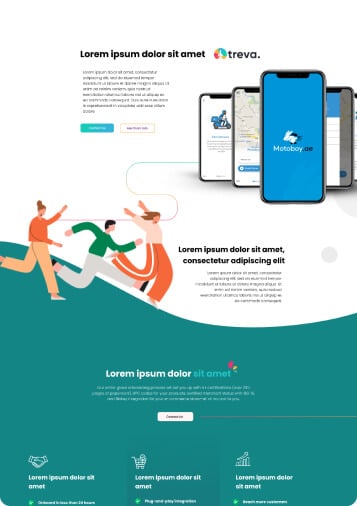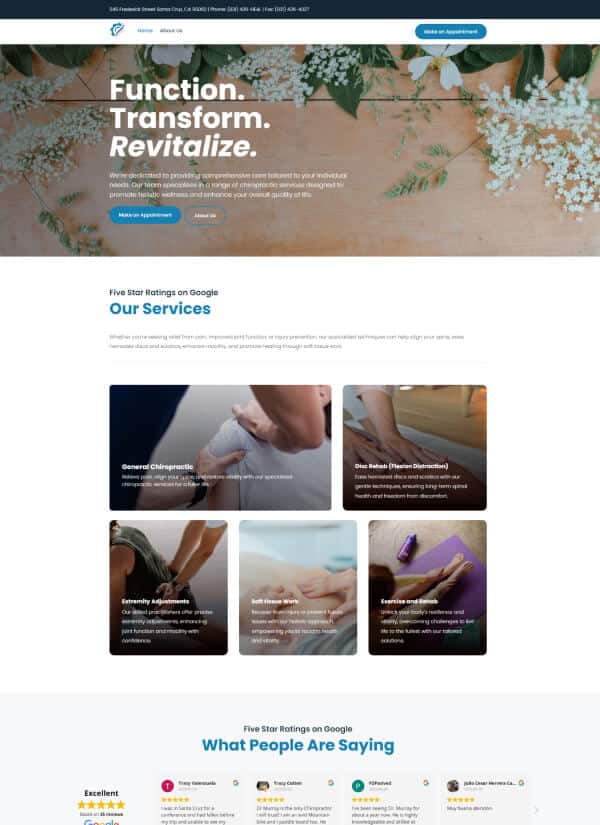

Let me start with a number that should make every business owner sit up straight: over 60% of all web traffic now comes from mobile devices. For some industries — restaurants, local services, retail — that number is closer to 75%.
That means the majority of people encountering your business online are doing it on a screen the size of a playing card. And if your website wasn't built with that reality in mind, you're giving most of your visitors a bad experience before they've even had a chance to become a customer.
What "Mobile-First" Actually Means
Mobile-first doesn't mean "make sure your site works on phones." That's responsive design — and it's been the bare minimum since about 2015. Mobile-first is a design philosophy: you design for the smallest screen first and then scale up.
Why? Because designing for constraints forces clarity. When you only have a few hundred pixels of width, you can't hide behind sprawling menus, decorative elements, and walls of text. You have to prioritize. What's the most important thing on this page? What action do you want someone to take? What can be removed without losing meaning?
Those questions make your desktop site better too. Mobile-first isn't about limiting your design — it's about sharpening it.
The Real Cost of Ignoring Mobile
A bad mobile experience doesn't just annoy visitors — it costs you money in multiple ways:
Lost customers
53% of mobile users will leave a page that takes longer than three seconds to load. They're not coming back. They're going to your competitor who has a faster site. Every slow load, every pinch-to-zoom moment, every button that's too small to tap is a customer walking out the door.
Lower search rankings
Google uses mobile-first indexing, meaning it evaluates your mobile site — not your desktop site — to determine your search rankings. If your mobile experience is poor, your SEO suffers across the board, even for people searching on desktop.
Damaged credibility
When someone pulls up your website on their phone and it looks broken — text overflowing, images misaligned, navigation impossible — they don't think "their mobile site needs work." They think "this business doesn't have their act together." Fair or not, that's the reality.
"Your mobile site isn't a smaller version of your desktop site. For most of your visitors, it IS your site."
What Good Mobile Design Looks Like
You don't need an app to deliver a great mobile experience. You just need a website built with mobile users in mind. Here's what that looks like in practice:
- Touch-friendly buttons — at least 44x44 pixels, with enough spacing to prevent accidental taps
- Readable text — 16px minimum font size, no pinching required
- Simplified navigation — a clean hamburger menu that's easy to open and close
- Fast loading — compressed images, minimal scripts, lazy loading for below-the-fold content
- Thumb-friendly layout — key actions within easy reach of a one-handed grip
- Forms that don't frustrate — minimal fields, appropriate keyboard types, autofill support
The Thumb Zone Matters
Here's something most designers don't talk about enough: how people actually hold their phones. Research shows that most people operate their phone with one hand, using their thumb to navigate. There's a natural arc — the "thumb zone" — where tapping is comfortable.
Your most important interactive elements — your CTA buttons, your navigation, your form submit buttons — should live in this comfortable zone. Putting crucial actions at the top of the screen where they require a stretch is a subtle but real usability problem.
Testing Is Non-Negotiable
Here's the thing about responsive design: it's easy to assume it works because it looks fine when you resize your browser window. But that's not the same as testing on an actual phone.
Real mobile testing reveals problems that browser simulation misses:
- Hover states that don't work on touchscreens
- Pop-ups that can't be closed on small screens
- Fonts that render differently across devices
- Scroll behavior that feels janky on iOS vs. Android
- Forms that trigger the wrong keyboard type
Always test on real devices. At minimum, check your site on a recent iPhone and a recent Android phone. Better yet, hand your phone to someone who's never seen your site and watch them try to use it.
The Bottom Line
Mobile-first isn't a trend, a buzzword, or a preference. It's the reality of how people use the internet in 2026. If your website doesn't deliver a fast, intuitive, enjoyable experience on a phone, you're not just behind the curve — you're losing business every single day.
The good news? Making your site mobile-friendly is one of the highest-ROI improvements you can make. Every dollar you spend on mobile optimization comes back multiplied in better rankings, more engagement, and more conversions.
Not sure how your site stacks up on mobile? Let's run a quick audit.